Save any recipe. Cook step-by-step. Auto-build carts. Share on the Scuttlebut. Earn as a creator.
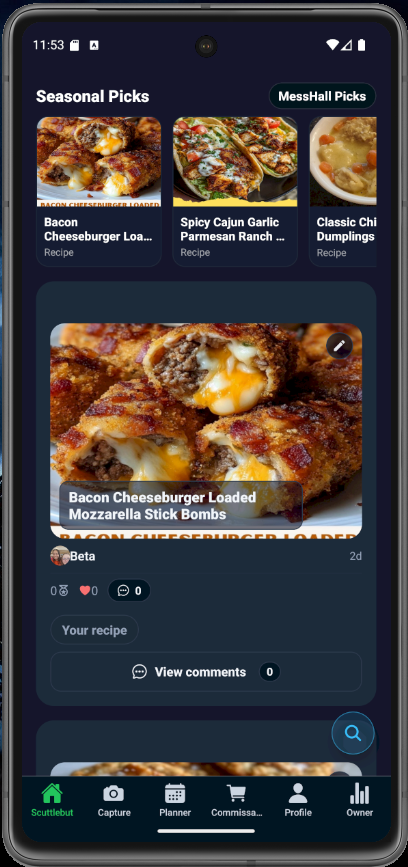
We built the whole kitchen: capture, cook, share, shop, plan, and even get paid.
Click any image to enlarge. Tap outside to close.
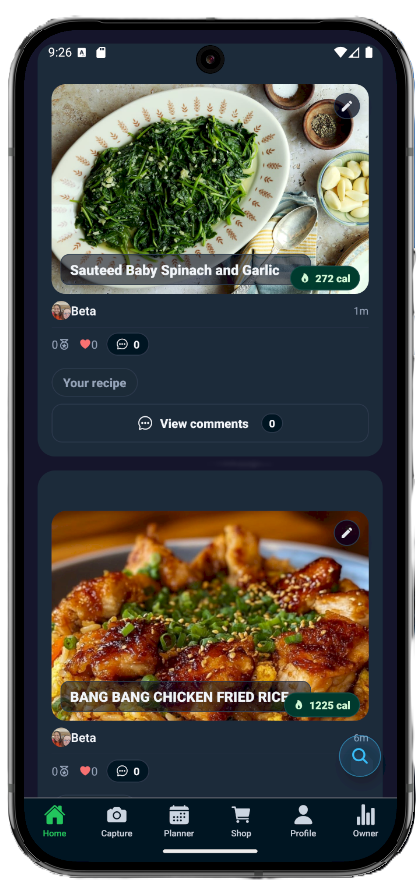
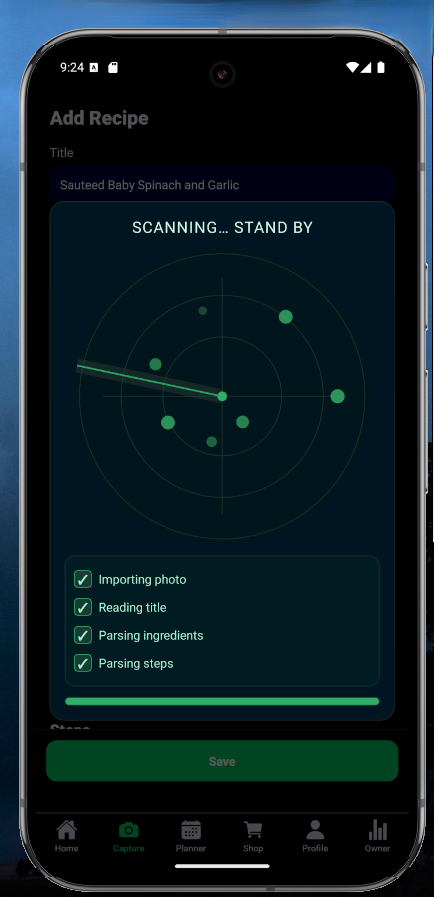
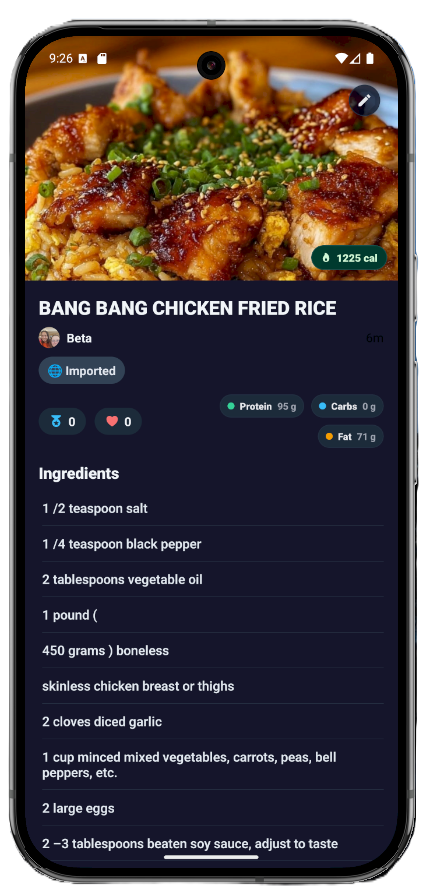
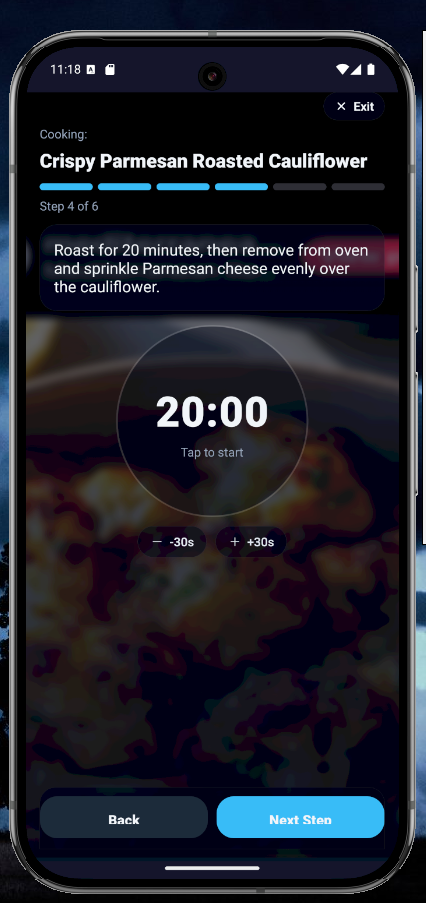
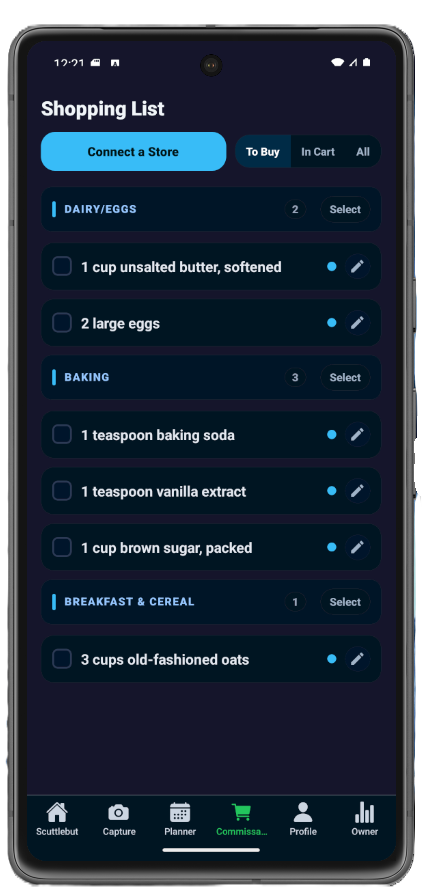
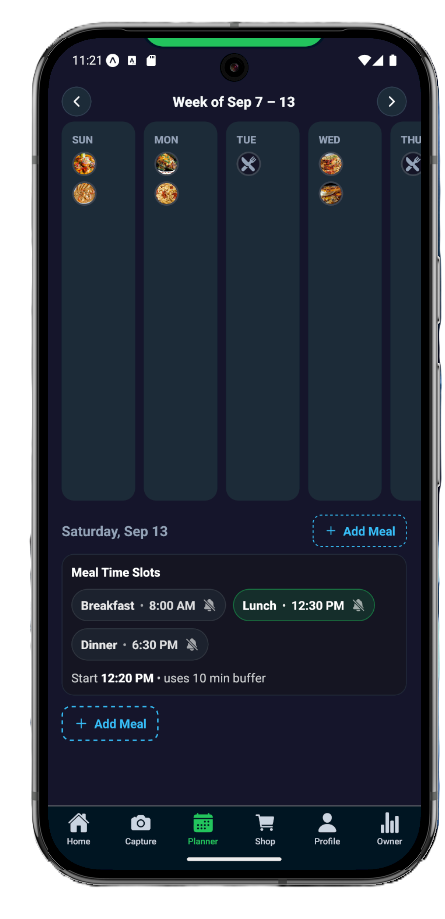
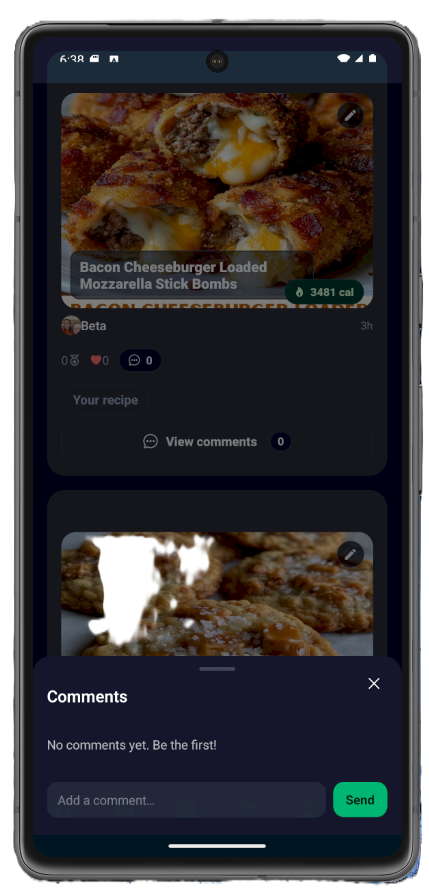
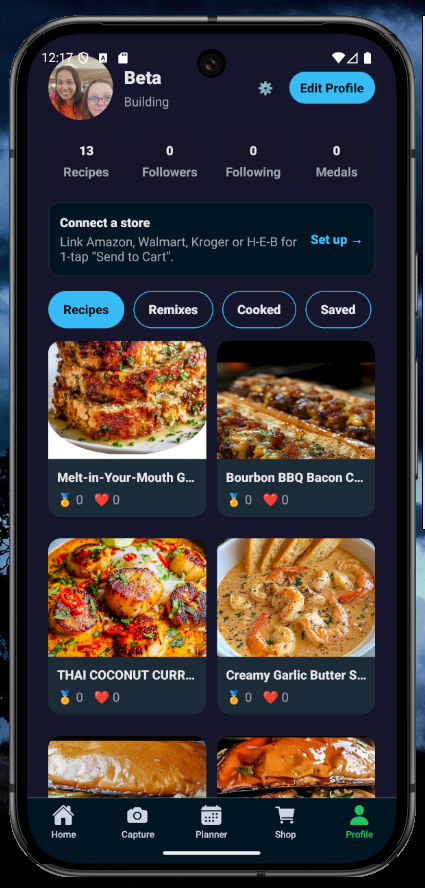
From link → clean recipe → cook → auto cart → share
If you’re wondering it, someone else probably was too.
We’re polishing the last bits. Join the waitlist above for an invite.
Yep! Paste a link, upload a photo, or type it in. AI cleans the messy parts.
Yes—we’re proudly veteran-owned. We build with service, teamwork, and grit. Thanks for supporting a veteran-owned small business.
We’re working on special perks and promos. Watch the app and our emails for updates—or reach out if you’re organizing a community event.
It’s your cooking buddy. Save recipes, cook with timers, shop ingredients, and share with friends.
Open the app click capture,or share from your favorite app to add a recipe or paste a link. That’s it. You’re cooking.
Yep! Paste a link, upload a photo, or type it in. AI cleans the messy parts.
Most big food blogs, YouTube, and many news/lifestyle sites work. If one fails, paste the text and we tidy it.
Big steps. Big buttons.Voice comanded. Timers. Hands stay clean. Your screen stays easy to read while you stir.
Yes. Pick your servings and units (US/metric). We do the math so your soup isn’t super-sized by accident.
Yep. Turn on filters and we try to flag things that don’t match. Always double-check ingredients to be safe.
Yes. Tap “Shop” and pick Walmart, Kroger, Instacart, H-E-B, or Amazon. We build a cart starter for you.
Yes. Add recipes onto your week. Boom—organized dinners without brain hurt.
Yep. Post your dishes, follow cooks you like, and get tasty ideas in your feed.
Yes. The app is free. Some links may be affiliate, and optional extras may come later.
Early on we use small ads and affiliate links (like carts to stores). This keeps servers running and lets us build creator payouts.
If you buy through a link, we may earn a tiny fee. Your price stays the same. Thanks for the support!
Yes—creator earnings are rolling out, shortly. We’re starting simple and growing the program as we scale.
Post original recipes, follow the rules, stay active, and meet minimum audience and region rules. We’ll show you when you qualify.
It means your account looks eligible for payouts. Tap it to review terms and turn it on.
No worries. Keep posting quality recipes and growing your audience. We’ll show a notice in your dashboard when you’re close.
As we expand, payouts may come from ad share, affiliate actions, and partner programs. Details appear in your Monetize tab.
After you’re eligible and set up payouts, earnings settle on a regular schedule shown in your dashboard.
Yes. Be kind, keep it original, and follow community and food-safety guidelines. No spam. No stolen stuff.
We only ask for what’s needed to run your account and features. You control what you share!
Yes. Use settings to request an export or deletion. We’ll guide you step by step in-app.
Phones and tablets are great. First up will be Android with Apple soon to follow then Web.
Some parts do (like viewing saved steps). Online is best for imports, search, and carts.
Open settings and tap “Get Help.” Tell us what happened. Screenshots help us fix fast.
Yes. We support partners for content, shopping, and promos. Contact us from the app or site.
Because we turn messy pics into clear steps, timers, carts, and shareable recipes—no chaos.
Look for the little calorie pill near the title. Tap a recipe cardto see more details.
Yes. You own your originals. You let us show them in the app so people can see and cook them.
We’re focused on smoother imports, smarter shopping carts,video integration, and clearer creator payouts. Stay tuned in-app.